

Working in Templates Editors
Managing Templates in Classic (HTML) and Drag-n-Drop editors
Classic (HTML) Editor
How to import HTML into classic editor
How to import HTML into classic editor
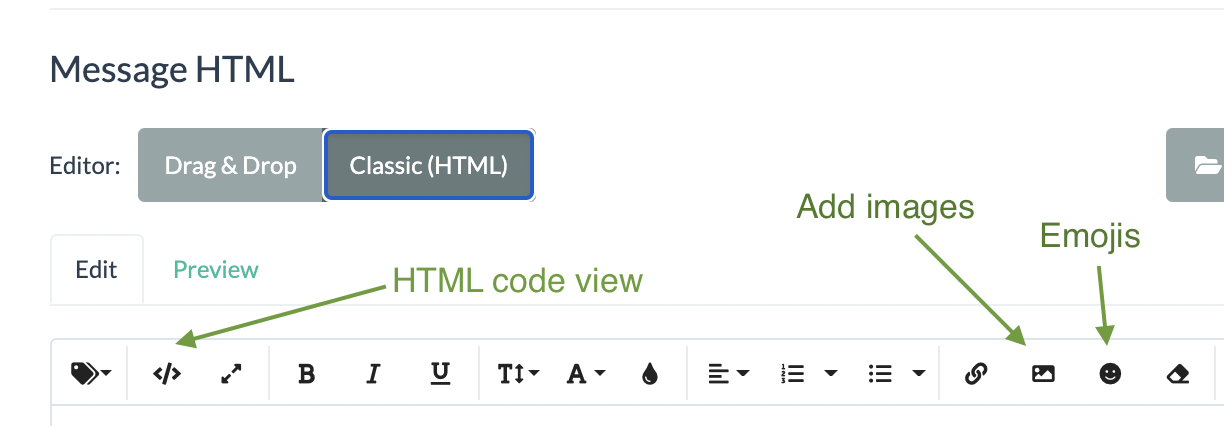
To add your HTML template to editor:
- Switch to code view by clicking on the </> icon
- Paste your HTML code
- Clicking on the </> icon to go back to Edit view and save the change.
Drag-n-drop Editor
To create a new page or modify an existing template you need to first drag some row containers (singe or multi-column) into the template area, then drag the content blocks into the row containers.
How to add an image inside the text
To add an image in the middle of the text you need to split the text to be in separate rows and add a row for the image element. So your structure would be like this:
Row > text
Row > image
Row > text
Updated 3 months ago